
14-Day Screen Protector Replacement
Not satisfied with your tempered glass screen protector? We offer one free replacement within 14 days of purchase, for any reason.
OUR STORE
Visit Mobie on Level 1 at Westfield St Lukes in Mount Albert, Auckland. From phone cases and screen protectors to chargers, cables and everyday tech, our team can help you find accessories that fit your device and your routine. Need help with a cracked screen, a tired battery or a charging issue? Call the St Lukes team to discuss your device, available repairs, pricing and turnaround before you visit.
 Walk-in Welcome
 On-site Repair
 Quality Parts
 Expert Technicians


Ask about screen replacement options for your model, available parts and pricing.

Discuss battery symptoms and replacement options with the team.

Get advice about blurry, damaged or non-working phone cameras.

Ask the team to check charging issues and whether the port needs professional cleaning or repair.
Bring your device or call 09 216 0828 for help choosing compatible accessories and discussing repair options. Please confirm available services, parts, pricing and turnaround with the St Lukes team.
Shop with confidence at Mobie
Not satisfied with your tempered glass screen protector? We offer one free replacement within 14 days of purchase, for any reason.
Products containing electrical circuitry are covered by our 1-year quality guarantee for manufacturing and quality-related issues.
Your satisfaction matters to us. Thank you for choosing Mobie!




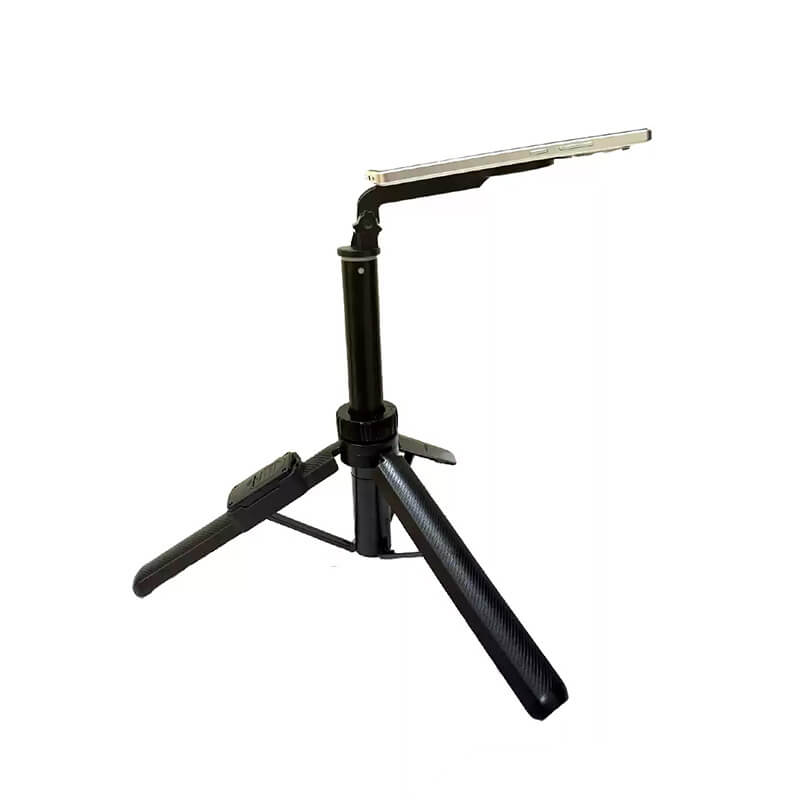
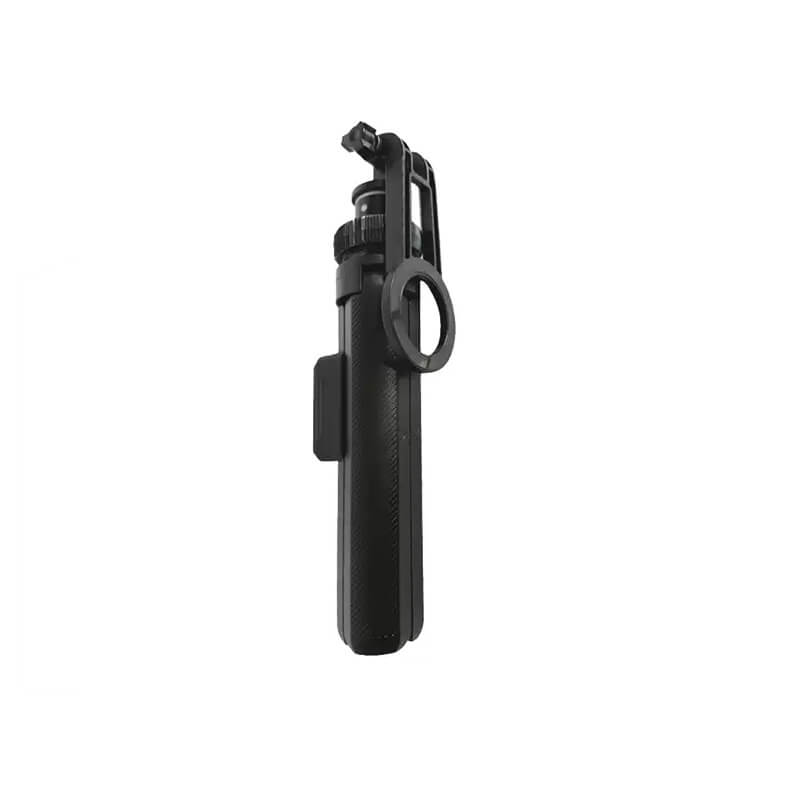
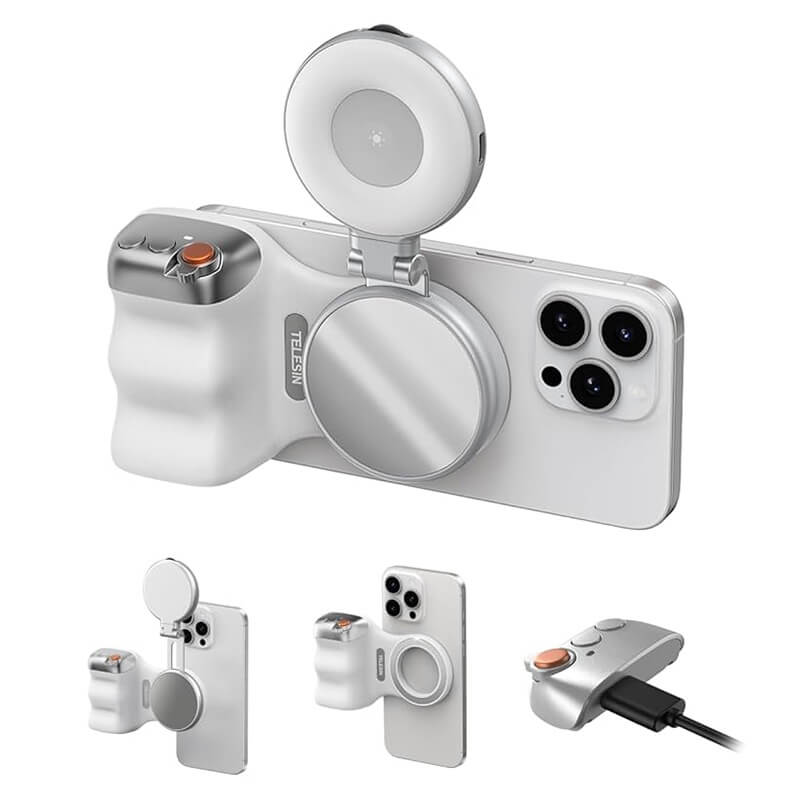
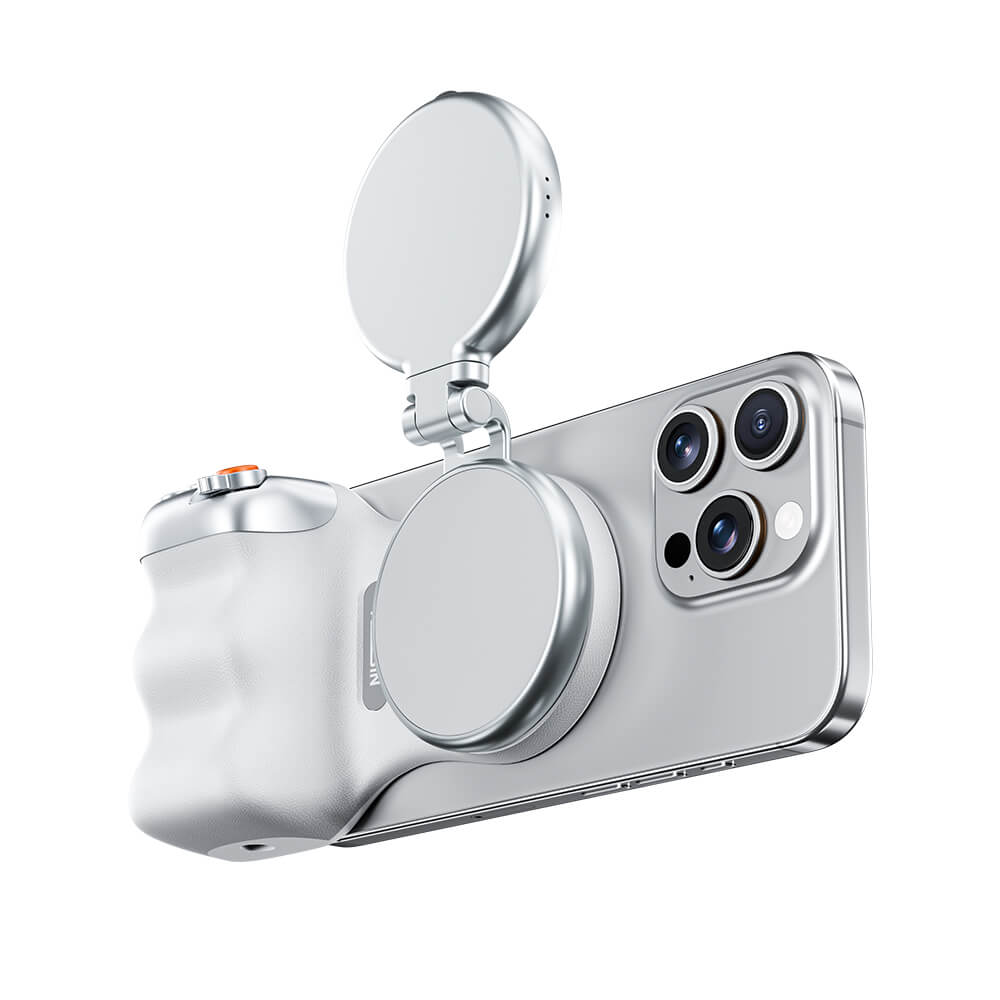


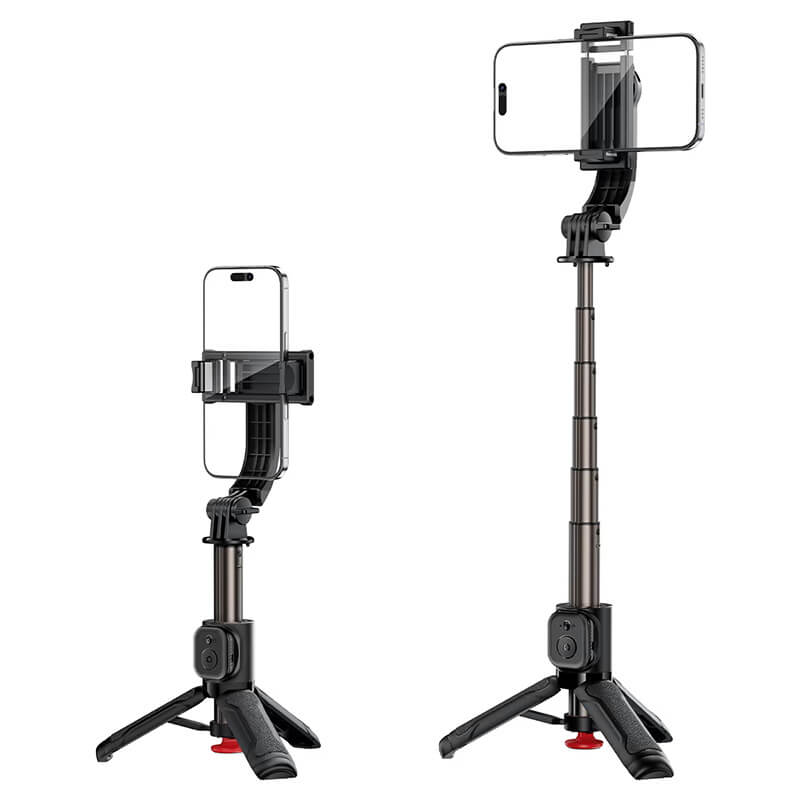
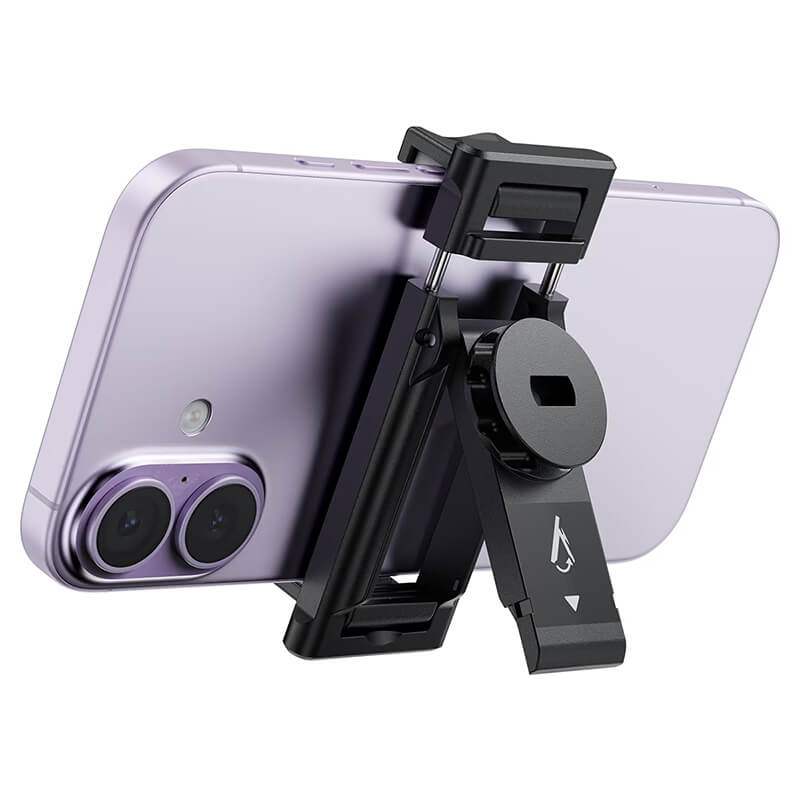

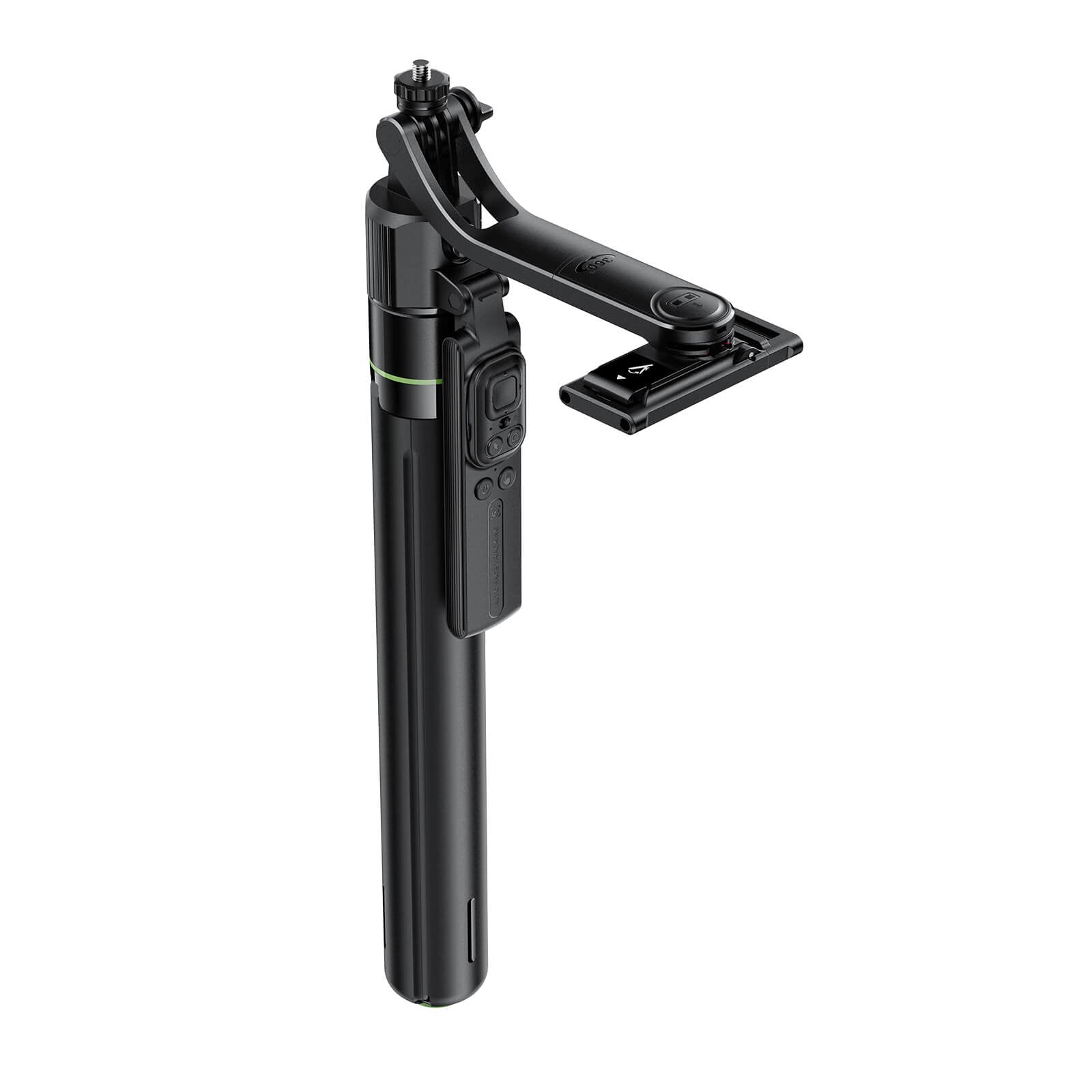
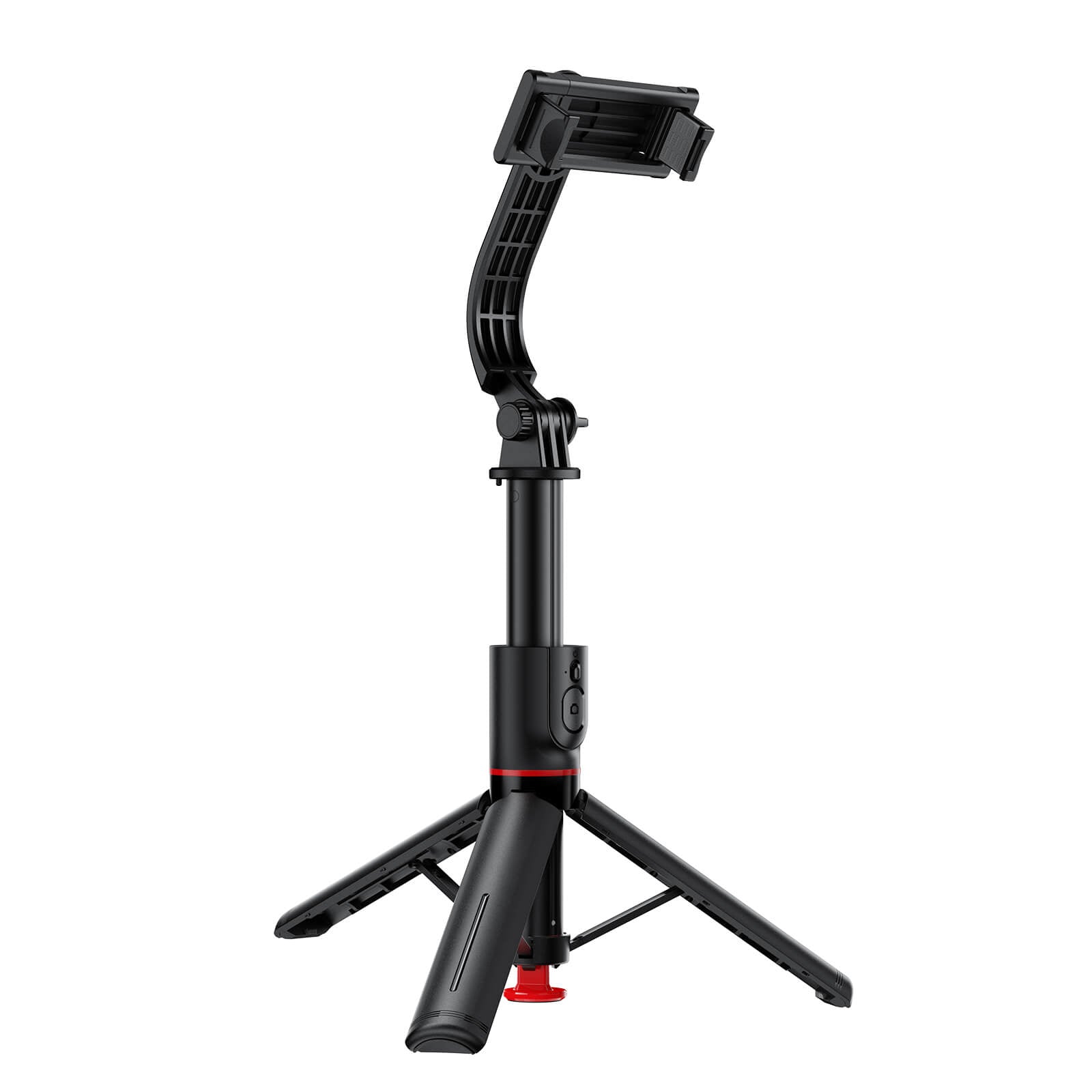




See what visitors have shared about Mobie at Westfield St Lukes.
Common phone problems & quick tips
Check your phone’s charging port for dust, lint or debris. A dirty charging port may prevent your phone from charging properly. Avoid using metal objects to clean the port.
If your screen has no visible physical damage but stops responding to touch, try a force restart. This may help resolve a temporary software issue.
Never put your wet phone in rice! Rice is not a reliable way to dry your phone and may cause further problems. Turn it off immediately, do not charge it, and take it to a professional repair shop as soon as possible for proper inspection and drying.
Visit Mobie — We’re Here to Help!
Shop 529, Level 1, Westfield St Lukes, 80 Saint Lukes Road, Mount Albert, Auckland 1025, New Zealand
Monday–Wednesday and Saturday: 9:00 AM–6:00 PM
Thursday–Friday: 9:00 AM–9:00 PM
Sunday: 10:00 AM–5:30 PM
Open 7 Days. Public holiday hours may vary; please call ahead.